
GemShell – Build your Game for all platforms. Ship to Steam & itch.io
A downloadable tool for Windows, macOS, and Linux
Turn your HTML5 game into a desktop app. Drop your web build, click export, get Windows/Mac/Linux executables with Steam achievements, cloud saves, and all that good stuff.
Works with Godot, Construct, GDevelop, Phaser, Unity WebGL, whatever.
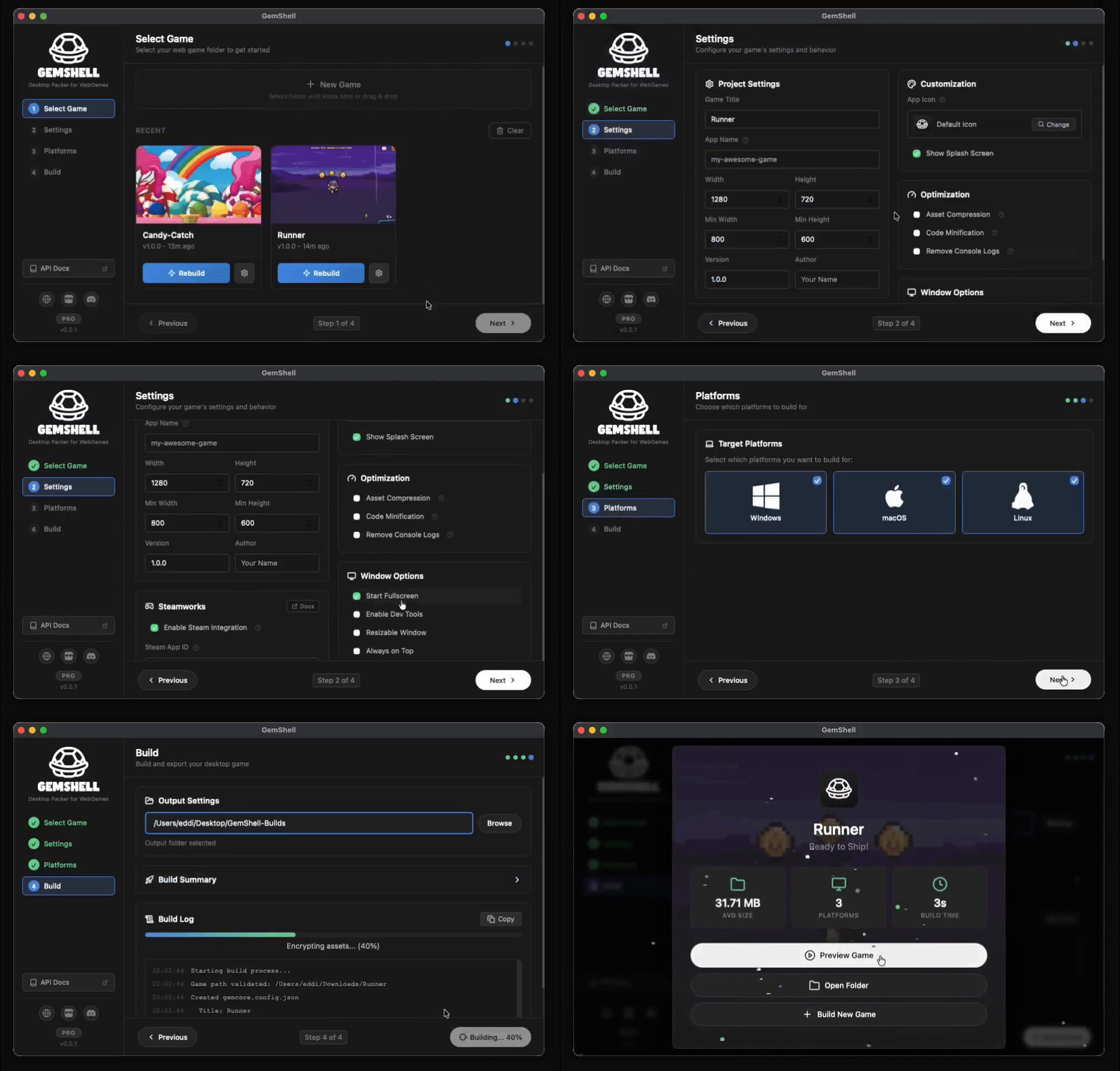
How it works
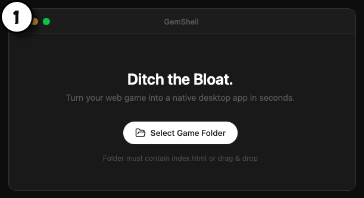
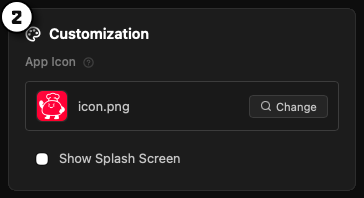
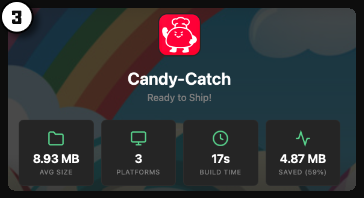
Deploy
One-time setup. One click. Ship to Steam and itch.io at once.

Steam SteamCMD, VDF config, one-click upload |

itch.io Butler, API key, one-click upload |
Platforms
Build for all three at once.


What you get
Desktop APIs your web game can actually use. Optional - works without any code changes too.

 Save/load game data
 Fullscreen toggle
 Native dialogs
 Clipboard access
 OS detection

 Achievements
 Cloud saves
 Leaderboards
 Lobbies & P2P
 Rich presence
Works with
Anything that exports to HTML5.
 Godot |
 Unity |
 Phaser |
 Construct |
 GDevelop |
 GameMaker |
 Pixi.js |
 Three.js |
 + More |
Lite vs Pro
LiteFree, for jams and testing
|
ProFor Steam releases
|
|
 Build for Win/Mac/Linux Build for Win/Mac/Linux |
✓ | ✓ |
| Steamworks SDK 1.62 |
Test Mode | ✓ |
 GemShell API GemShell API |
✓ | ✓ |
 Asset encryption Asset encryption |
✓ | ✓ |
 Custom icons Custom icons |
— | ✓ |
 No splashscreen No splashscreen |
— | ✓ |
 Auto-cleanup assets Auto-cleanup assets |
— | ✓ |
 Asset compression Asset compression |
— | ✓ |
 One-click deploy (Steam & itch) One-click deploy (Steam & itch) |
— | ✓ |
 Plugins Plugins |
— | ✓ |
|
Free
|
$19,99
|
"Really simple to use. Tested with my GDevelop projects, works great."
— Acci
Join us!
Help us improve GemShell. Every feedback is a gem. We build this for indie devs based on your needs.
 Join Discord Get help & share your thoughts |
 Documentation Guides, API reference & more |
GemShell v0.8 · Chromium-based · Steamworks SDK 1.62
Purchase
In order to download this tool you must purchase it at or above the minimum price of $19.95 USD. You will get access to the following files:
Download demo
Development log
- GemShell v0.6.0 Changelog91 days ago
- BETA 0.5.1 - Steamworks & native APIs are here97 days ago


Comments
Log in with itch.io to leave a comment.
This tool is worth every penny and more! Saved me so much time building my game for Steam. Keep it up and let's go 1.0!
I'd like to suggest the opposite of console support: emulation wrappers. Right now I see some web conversions of libretro cores - things that wrap NES or GB games as web pages. Would love to drop in my Sega Genesis homebrew and have your product wrap it up with an emulation layer as a Windows program.
Any plans for console support?
unfortunately, console support is a separate and complex topic, especially when it involves porting. Currently it’s beyond my scope to include it as support in GemShell. :-( sorry!
I just get a white window after building. I selected the dev tools option but they don't open. I did try running the directory with the index.html file using a normal http server e.g. python's in-built or npx run serve - and that worked.
I'm running on linux-x64. Build succeeds with a 3.9MB file but I just get a white screen. I think something is loaded as if i click randomly on the white screen i can hear the sound effect of clicking on one of main menu buttons.
I also tried it with a plain single index.html file with no dependencies - displaying an h1 tag and some p tags. White screen and no dev tools.
Sorry for that. Please try the latest version of GemShell. We have ported the entire system from WebView to Chromium due to many bugs and for better stability. Give it a try, it should work again.
Hi @spageddis. It did work - thank you. But unfortunately, it's quite large in file size:
du -sh ./linux-x64
212M ./linux-x64
I am tbf - using a custom build as the game is meant to be moved over into another app to be hosted in a web site... but it's still just a vite build. I am pointing gemshell to the dist of standard vite build phaser.js project (typescript)... if that helps. No large files... just a few images (no more than 10). It's not a complete game.
I'm running fedora linux and can't open .deb files, like many linux users. Could we get an .appimage or flatpack release? I would image you would get more linux users purchasing this if specific executable types were indicated under linux
Cross-compiling from any OS can be a bit tricky, especially when it comes to .deb packages and AppImages. But you’re raising an important point. I’ll look into possible solutions.
You should add a section to show games that are using your tool to publish.
Thank you! That's a nice idea! Maybe I put this on my roadmap.
I'm using macOS Monterey, and it appears I can't use it.
Maybe a OS version would be helpful?
We made some minor fixes, please try the new update :-)! It should work again.
This seems quite interesting. I have a question: Does this support the Pointer Lock API on all platforms?
Not currently, but I also need it so I filed a feature request.
Hey Zizaco, great to have you here. Pointer Lock isn’t implemented yet, but it’s on my to-do list 🙂 it’ll be included in the next update.
It's implemented for the next update: https://gemshell.dev/api/window.html#pointer-lock-input
This is great, thanks! I’d appreciate some additional features:
Thank you for your feature request. They are included in the new Update of GemShell: https://l0om.itch.io/gemshell/devlog/1137312/gemshell-v060-changelog
Would it be possible to make it optional to include node.js with the build? This would be required for those of us building games that utilise a local server/client architecture.
Hello Bioburden,
It's great to have you here! Our vision is to pack small games that include everything we need. While there are many frameworks available with Chromium and Node.js, we see this as an opportunity to develop our own native server communication API without unnecessary bloat. I'll note this as a feature request for upcoming updates.
Thanks, keep up the great work.
This will be possible in the next update fyi :-):
const ws = new WebSocket('wss://server.com/game');
ws.onopen = () => console.log('Connected');
ws.onmessage = (e) => console.log('Data:', e.data);
ws.onerror = (e) => console.error('Error:', e);
ws.onclose = () => console.log('Disconnected');
ws.send(JSON.stringify({ action: 'move', x: 10, y: 20 }));
Nice. I also see some utilising Bun for performance.
This tool is really simple to use and I love it! I tested the lite version with my Gdevelop projects and I like that it cut down a lot of the bloat
this sounds really cool! 😍
Though one of the most important things for me to even consider with a Construct 3 export is how well it integrates with Steam.
How well does this one work with Steam features like achievements, overlay, and things like that?
Hey, nice to have you here!
Quick note on Steam support: it’s not available yet because we don’t bundle Node.js with your game. I’m adding Steamworks via native C bindings so you’ll get the key features without Node.js bloat soon.
I can’t give an exact ETA, as I’m heads‑down on a major GemShell update right now. I’ll share progress and timelines as soon as they’re ready.
The new update will include native Steamworks with all essential functions, allowing you to use the GemShells API to interact with Steam. It currently works properly on Mac and Windows, while Linux is still in testing.
Intriguing project, thanks for making & sharing it! Can you elaborate a bit on what are the advantages of using this instead of the default Windows / macOS exporters in Construct 3? Because Scirra recently moved away from NW.JS and the current exporters all use “slim” runtimes (WebView2 on Windows and WKWebView on macOS).
JS Legend Dev claims this uses Neutralino.js? That is real nice, however...
If it had the option to choose NW.JS instead, to ask if they want it to run in Chromium or the user's default OS browser.
Please make that happen!
The new version will not include Neutralino anymore, and Chromium is not currently planned. However, I will take it as a feature request because GemShells' vision is to deliver executables as small as possible.
Any chance of reconsidering this? Modern browser APIs (and performance) are not there yet with WebView-based wrappers. I don't mind the extra bloat as long as modern web APIs work
Yes we are currently porting fully Gemshell from Webkit to Chromium!
yup, JSlegendDev shared this, I've tried it with ExcaliburJS game i made, and it worked easy peasy... very intrested in where this development goes!
Thanks for the feedback, great to hear it works with ExcaliburJS! Stay tuned for the next big update, it will significantly improve performance across all operating systems and deepen our Steamworks integration.
Heard about this from https://jslegenddev.substack.com/p/export-web-games-for-desktop-in-one
Welcome! Super excited to hear any feedback or feature requests – join us in our Discord channel! Big love to jslegend!