loving this program so far, and I'm dabbling in messing around with links when I realized I cannot click or link anything to specific sprites. Even after deleting the surrounding sprites I have this issue. Is the solution just re-import? :0
Edit: I've tried reimporting the image, changing the color of the image, renaming the image, deleting the appdata roaming folder, re-exporting the image in photoshop and restarting the program. It just REALLY hates the pixels of my head for some reason. xD
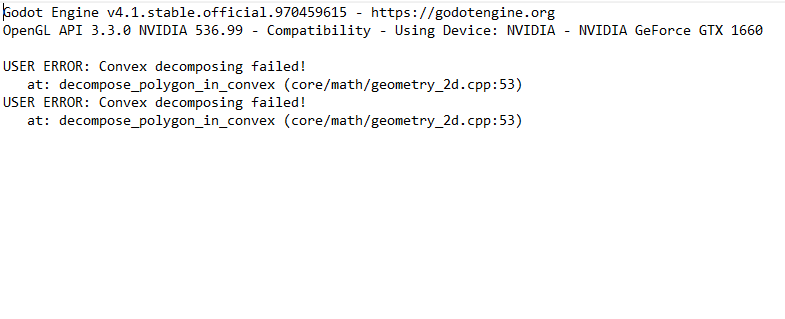
Edit 2: Apologies for editing this topic, I'm just fascinated by this bug. Anyway I noticed when I upload this particular image into the program, the log folder gives this error. so I'm assuming this is responsible for it happening. But I suppose that doesn't necessarily fix my issue! I am guessing I might need to redraw this in some format.