


Thank you very much! Ohh true, I think the little flame guy was called Calcifer. Beautiful movie :)
A member registered Aug 26, 2020 · View creator page →
Creator of
Tileset and characters for top-down RPGs, pixel art.
Tileset and characters for top-down RPGs, pixel art.
Free character bases for top-down RPGs, plus some clothing
16x16, 32x32 & 48x48 pixel art assets (tileset & characters)
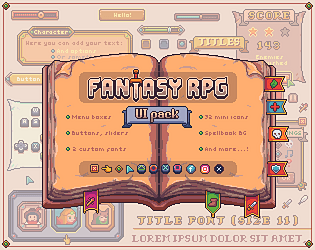
16x16, 32x32 and 48x48 interface assets, buttons and icons, ready to use
16x16, 32x32 and 48x48 interface assets, buttons and icons, ready to use
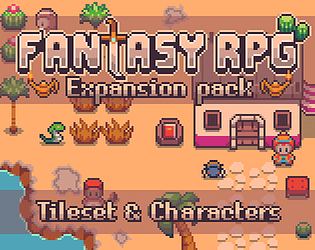
16x16, 32x32 & 48x48 pixel animated characters, overworld tileset and buildings
Fantasy RPG 16x16, 32x32 & 48x48 pixel animated characters, buildings, objects, icons & portraits
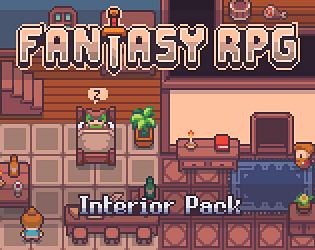
16x16, 32x32 & 48x48 pixel art tilesets and decoration
Tileset and characters for top-down RPGs
40+ 16x16 & 32x32 pixel animated sprites (4-sides)
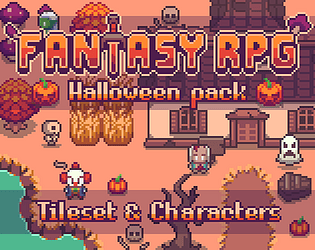
16x16 pixel-art spooky tileset, characters and objects
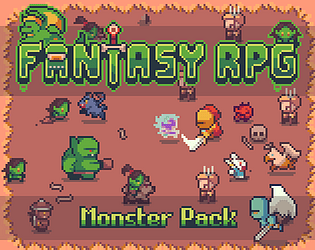
16x16, 32x32 & 48x48 pixel animated characters, projectiles & portraits
Free sample of 16x16 fantasy rpg icons
16x16, 32x32 and 48x48 transparent files ready to use
Assets and characters for top-down RPGs
Battler sprites
Free characters for top-down RPGs
Tileset and characters for top-down RPGs
Tileset and assets for top-down RPGs
Recent community posts
Hello! Here on the left are the settings I used for importing them into Unity, for pixel clarity. 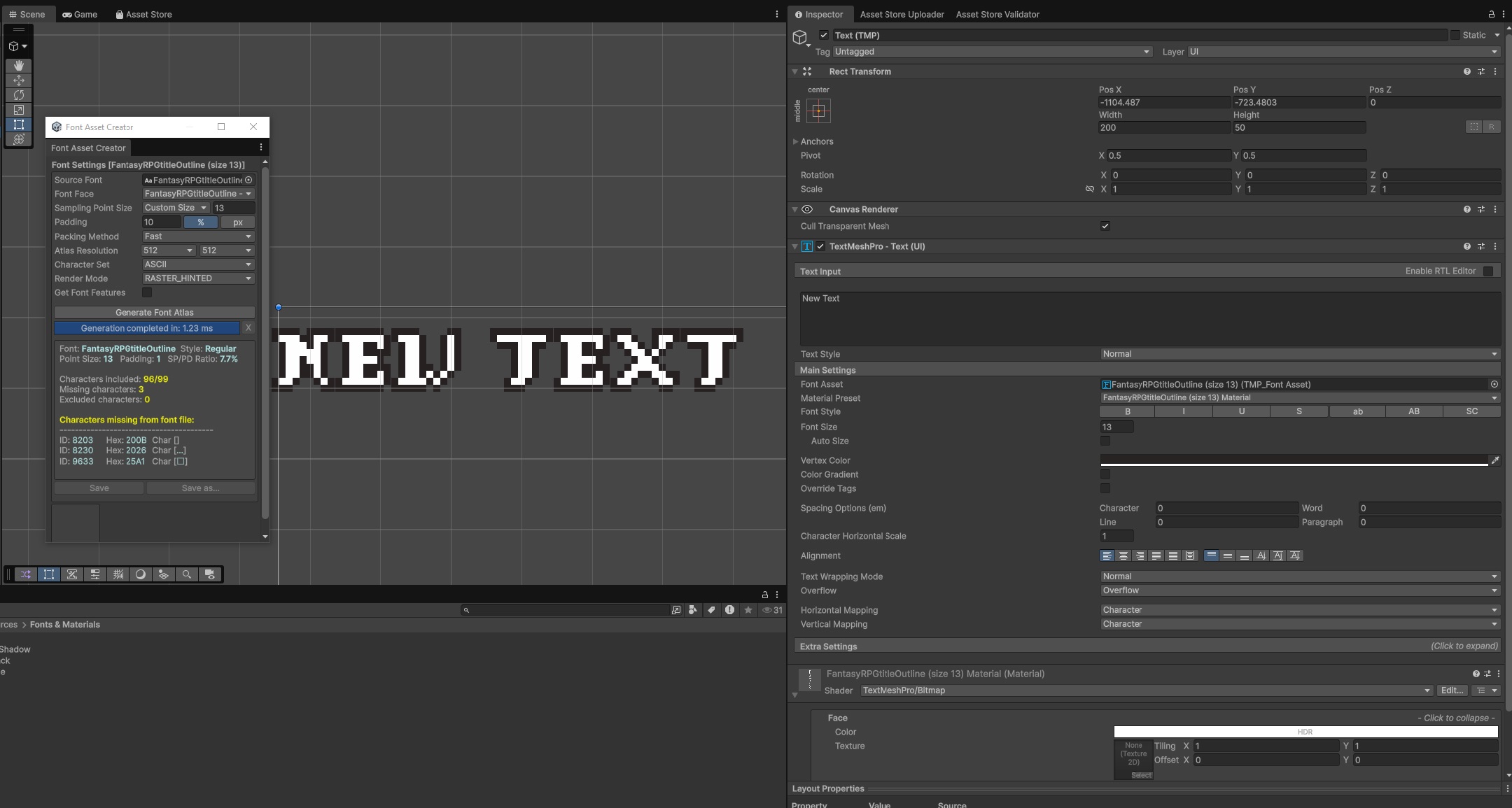
For alignment, I found that both fonts should have the same X position, but the outline should be placed 1px higher on Y axis. So, if "FantasyRPGtitle" Pos Y is 4, then "FantasyRPGtitleOutline" should be at 5. This way they align perfectly. Not sure why this is needed, since I created them in the same size and grid...
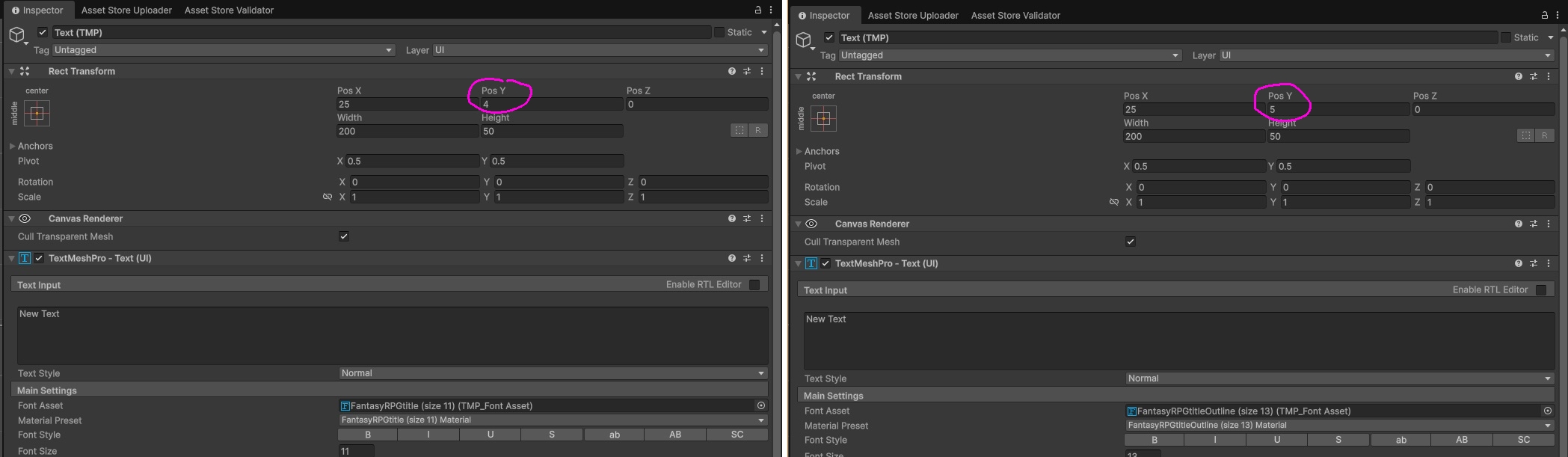
I hope this solves the issue for you!
itch.io Community » itch.io » Questions & Support · Replied to Polyducks in Gif's suddenly not animating
itch.io Community » itch.io » Questions & Support · Replied to Crusenho in Gif's suddenly not animating
itch.io Community » itch.io » Questions & Support · Replied to Daniel Benitez in Gif's suddenly not animating
itch.io Community » itch.io » Questions & Support · Replied to Noree in Gif's suddenly not animating
itch.io Community » itch.io » Questions & Support · Replied to Noree in Gif's suddenly not animating
Hello Ishnatu, sorry for the late reply, I somehow missed your question!
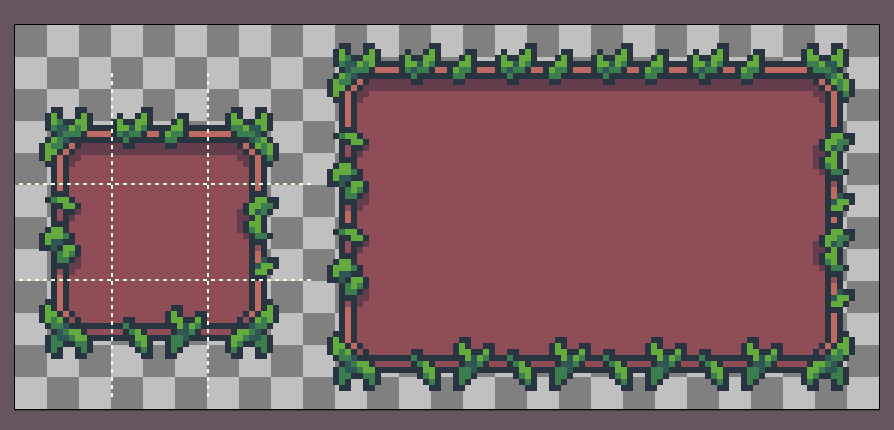
Yes, background boxes are basically 9 different tiles (4 corners, 4 sides and 1 center). You can repeat sides and center tiles to make a box of your desired size, like in this example:
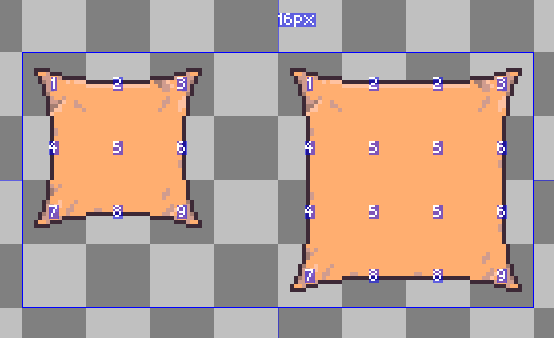
Let me know if you have any further questions
itch.io Community » itch.io » Questions & Support · Replied to unTied Games in Gif's suddenly not animating
itch.io Community » itch.io » Questions & Support · Replied to REnder Scott in Gif's suddenly not animating