
Godot 4: 3D physic platformer
A downloadable asset pack for Windows and Linux
Project Technical Documentation
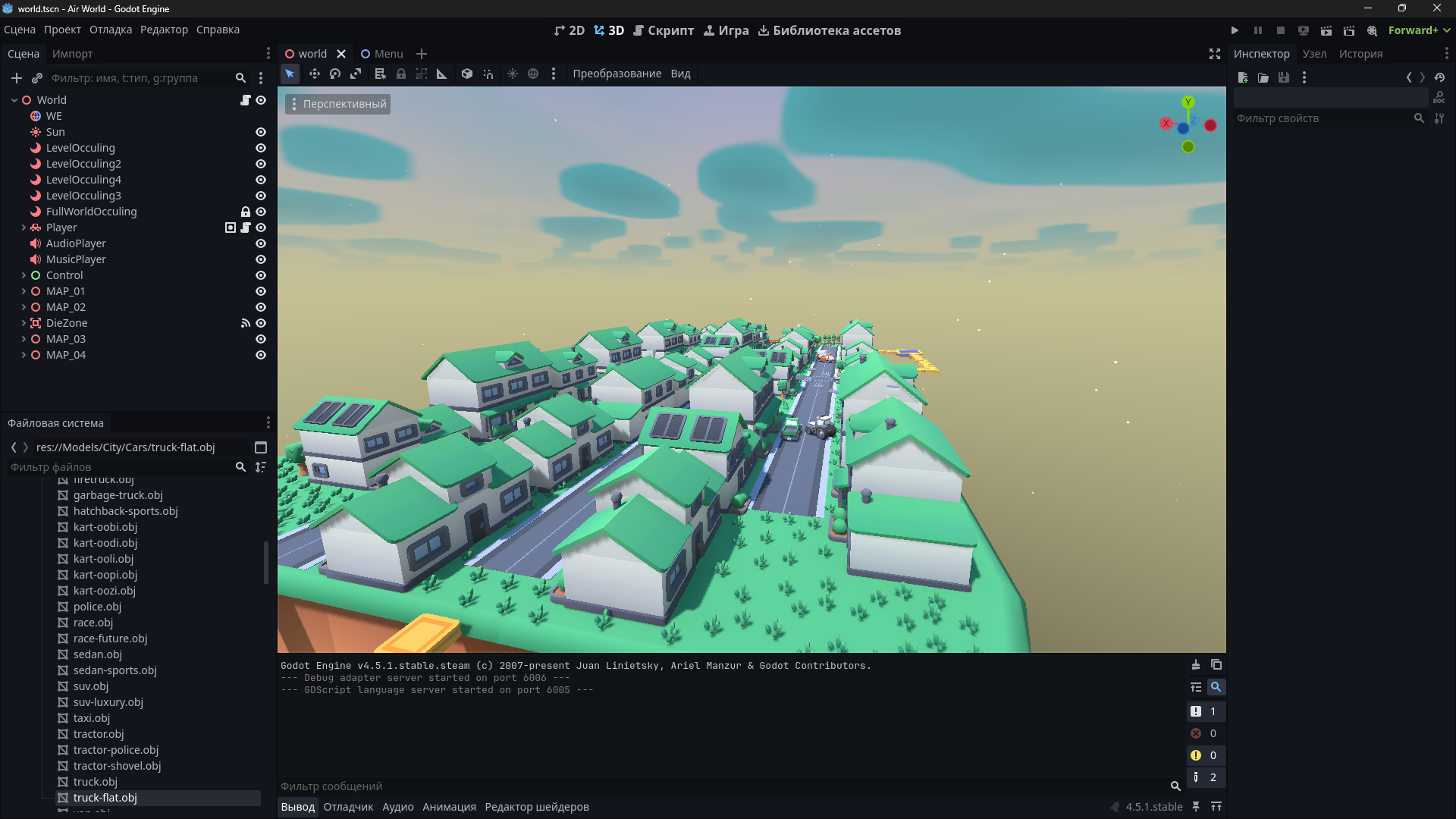
Engine Version: Godot 4.5.1 Renderer: Forward+ (recommended for SDFGI)
free demo: https://joblab-studio.itch.io/godot-3d-platformer-air-word
1. Architecture Overview
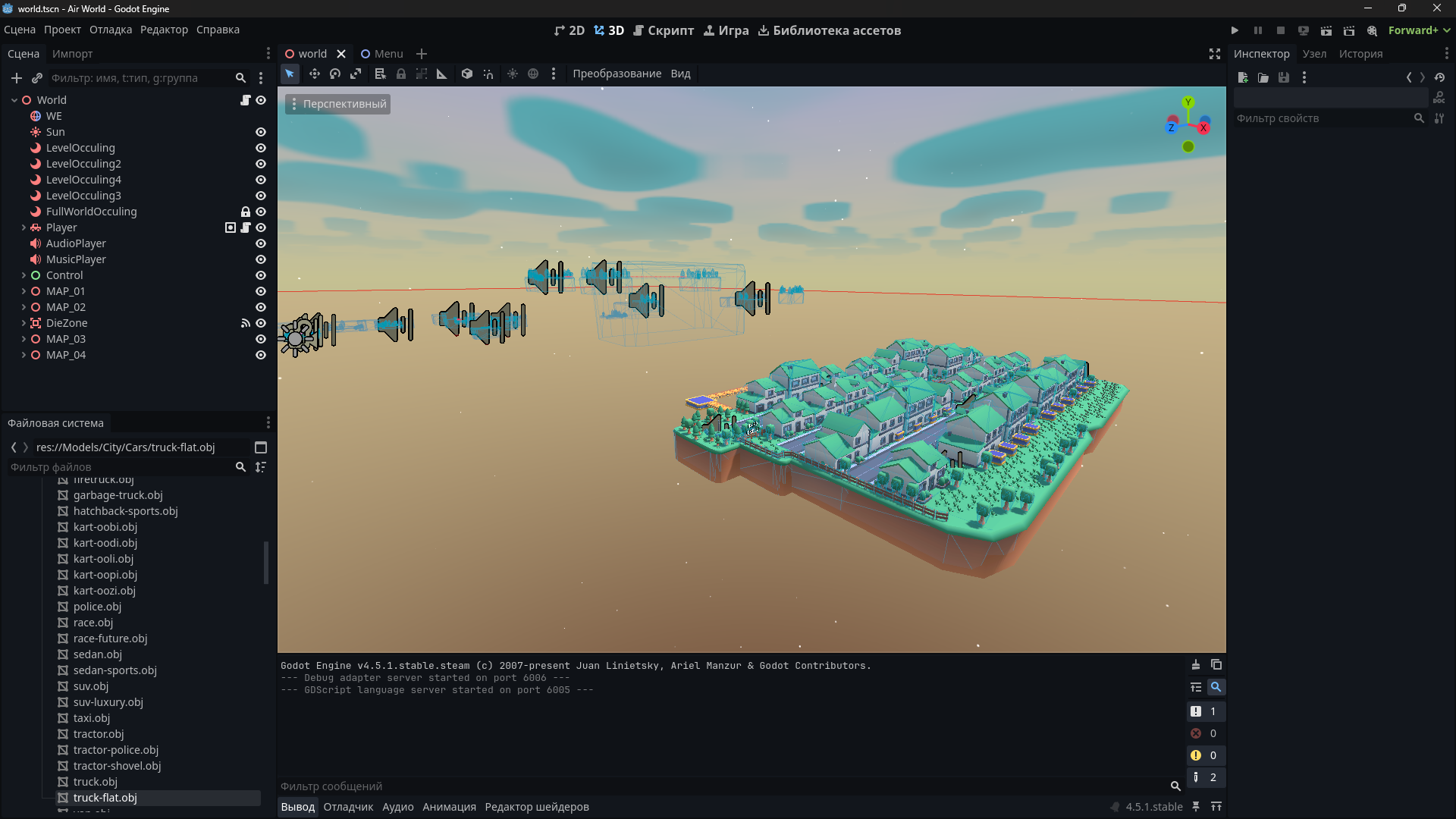
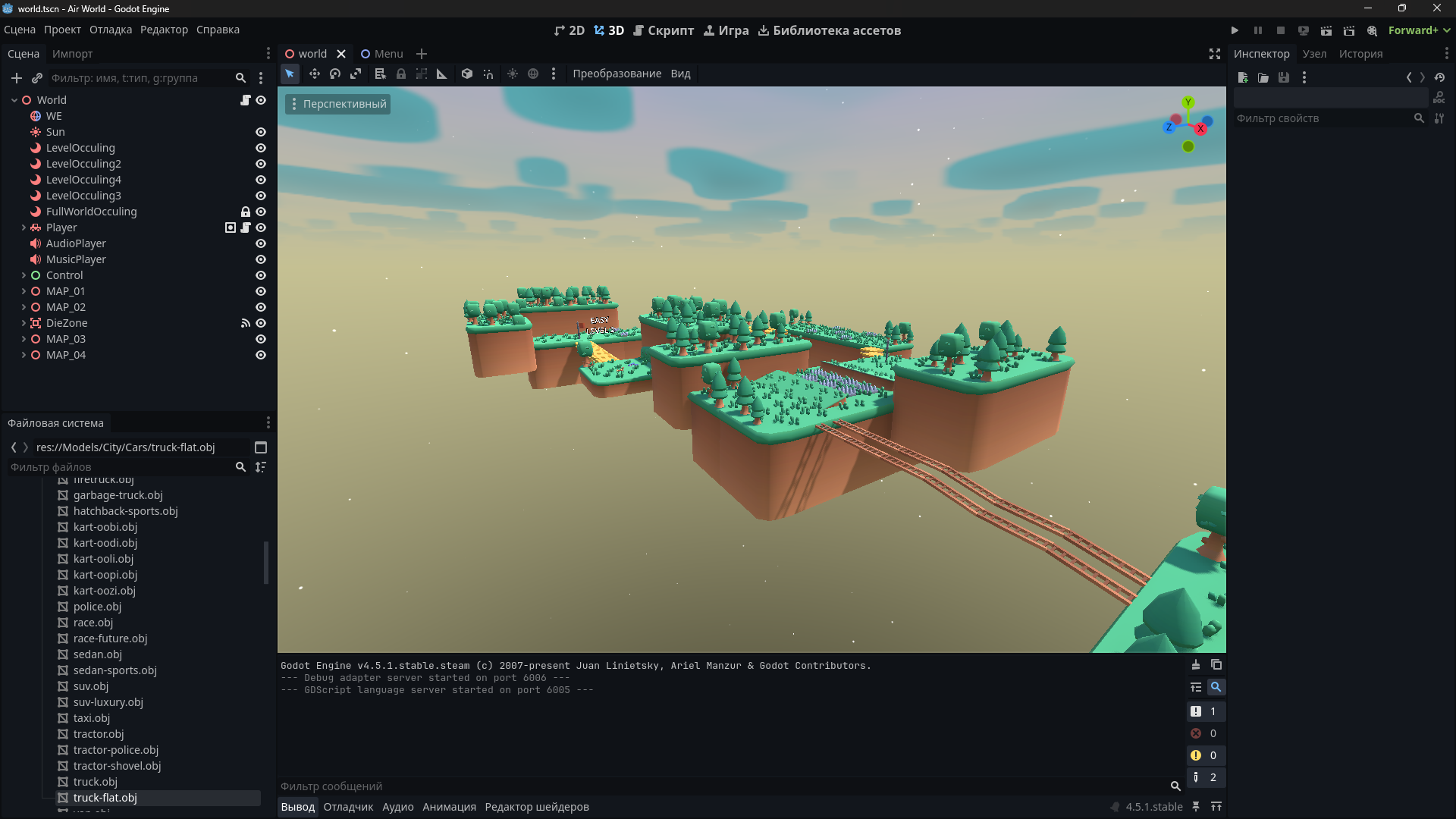
The project is a 3D platformer featuring physical vehicle simulation. The architecture is built on a "Single Scene" principle (World.tscn), where all levels are loaded simultaneously but optimized using Occlusion Culling. Logic is divided into modular components, allowing the vehicle controller and obstacle system to be reused in other projects.
2. Physics and Vehicle Controller (VehicleController)
The core is based on the standard VehicleBody3D node paired with VehicleWheel3D, functionality of which is significantly extended by a custom controller. This allows leveraging the reliability of Godot's built-in physics while adding flexible arcade settings and additional parameters absent in the standard implementation.
2.1. Suspension and Movement
- Suspension Model: Based on
VehicleWheel3Dphysics but with dynamic parameter control. Stiffness, Damping, and Suspension Travel are tuned for stable behavior on platformer terrain. - Drive: Control is achieved by applying
engine_forceto the drive wheels. Supports switching drive types (4WD, FWD, RWD) and features a custom torque curve for a more responsive start. - Braking:
- Standard Brake: Applies braking force (
brake) to all wheels. - Handbrake (Space): Sharply increases the friction slip parameter and braking force on rear wheels, allowing for controlled drifts.
- Standard Brake: Applies braking force (
- Stabilization: An add-on script implements an Anti-Roll Bar simulation, applying compensating forces to the suspension to prevent the car from flipping during sharp turns, which is common with standard
VehicleBody3D.
2.2. State System and Respawn
- Death: Tracks the global Y coordinate. If
global_position.yfalls below a threshold value, the death function is triggered. - Respawn (R Key):
- Resets linear and angular velocity of the
RigidBodyto zero. - Moves the car to the
current_checkpointposition. - Resets car rotation on X and Z axes (to prevent spawning upside down).
- Resets linear and angular velocity of the
2.3. Configuration Parameters
Variables exposed in the inspector (@export):
Engine PowerSuspension StiffnessSuspension DampingGrip Factor(Separate for drift and normal driving)Center of Mass Offset(For stability)
3. Game Logic and Levels
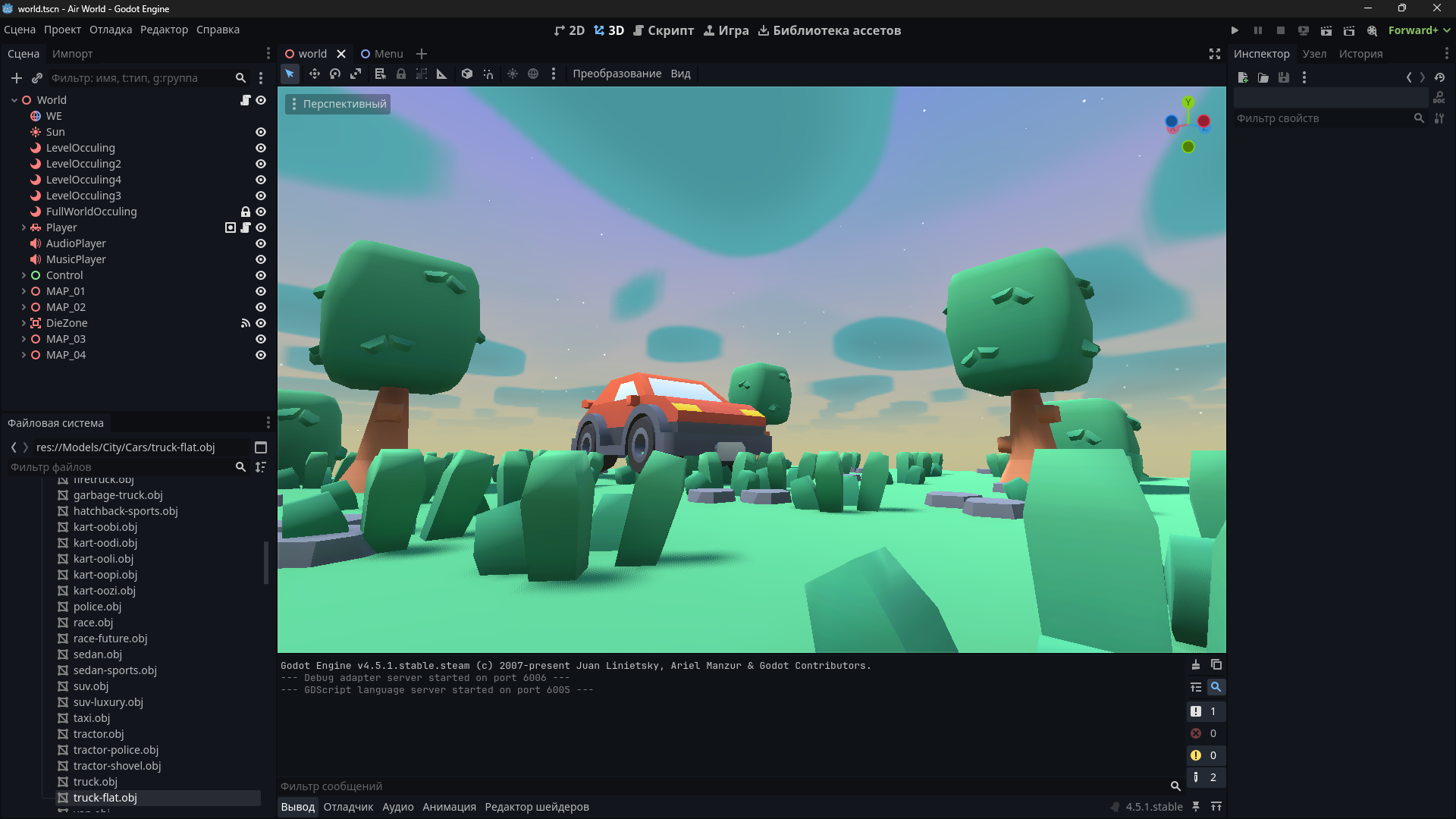
3.1. World.tscn Structure
The scene contains:
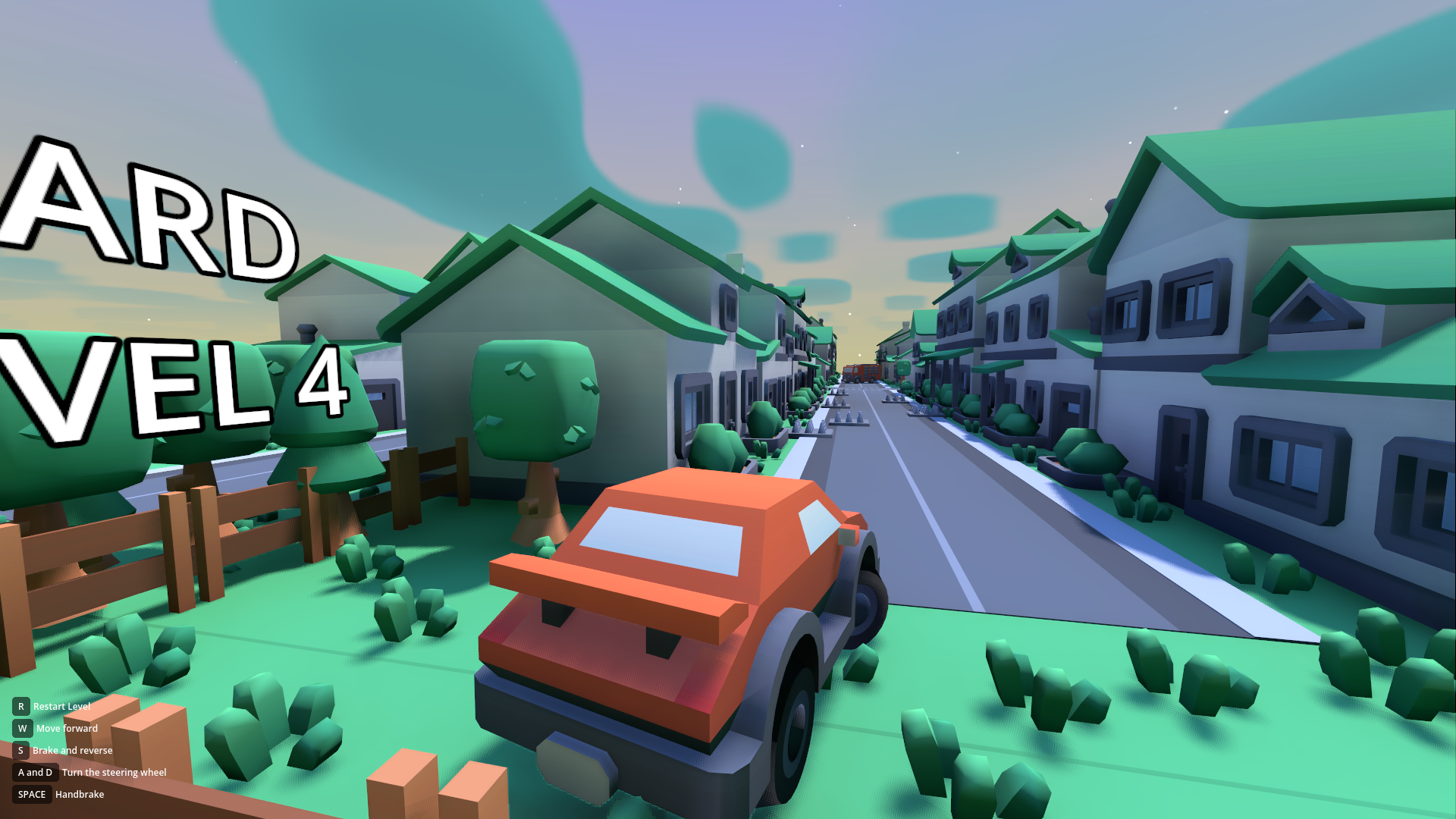
WorldEnvironment&DirectionalLight3D(Global lighting).Player(Vehicle instance).CameraSystem(Scripted camera with interpolation, following the player).Levels(Node3D container):Map_01 (Forest)Map_02 (Forest Hard)Map_03 (Winter)Map_04 (City)
3.2. Checkpoint System (CheckpointSystem)
Implemented via Area3D. The checkpoint script has an is_end_level boolean variable.
- Normal Checkpoint (
is_end_level = false):- Upon player entry (
body_entered), saves its global coordinates and rotation to a singleton or player variable aslast_safe_position. - Visual indication of activation (color change/sound).
- Upon player entry (
- Finish Checkpoint (
is_end_level = true): - Upon activation, does not save a respawn position but triggers transition logic.
- Transition Logic: Teleports the car to the start coordinates of the next level (Hardcoded coordinates or Marker3D of the next map).
3.3. Optimization (Occlusion Culling)
Since all maps are in one scene, aggressive culling of invisible geometry is used.
- OccluderInstance3D: Each map (or large map segments) is separated by "walls" of occluders (BoxShape / Polygon type).
- Principle: When the camera is on Map_01, occluders block visibility of Map_02, Map_03, etc., preventing the GPU from rendering them.
- Baking:
OccluderInstance3D(Static mode) is also baked for static geometry (ground, houses) to cull geometry within the level itself.
4. Obstacles and Interactive Objects
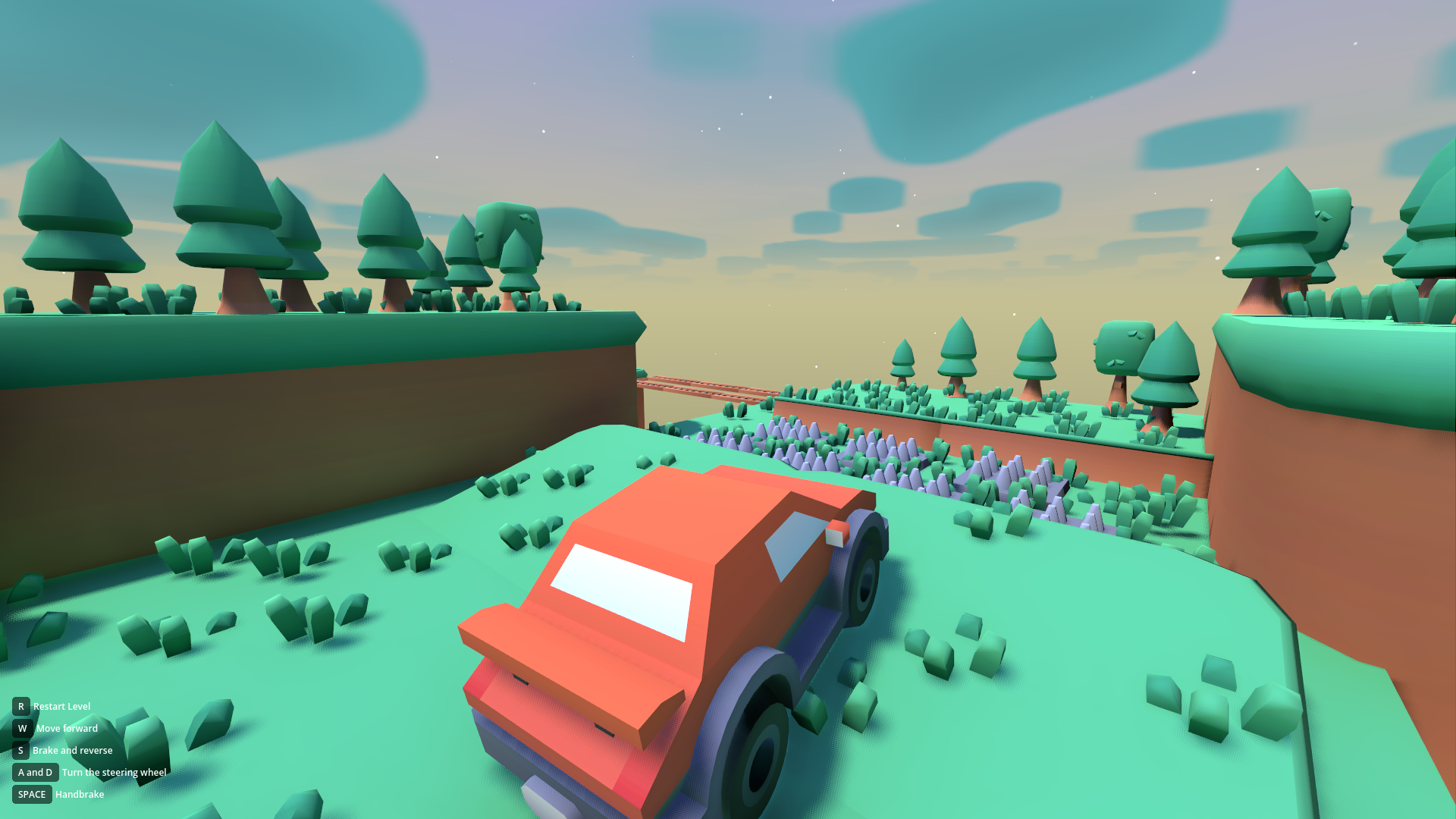
All objects use physics or AnimatableBody3D for correct interaction with the physical car.
4.1. Obstacle Types
- Spikes:
Area3D. Instantly call the player'sdie()method upon touch. - Moving Platforms:
- Use
Path3DandPathFollow3Dor coordinate Tweens. - Support movement along vectors (X, Y, Z simultaneously).
- Synchronization: The car physically inherits the platform's velocity upon contact (via
AnimatableBody3D).
- Use
- Falling Platforms:
- Logic: A timer starts upon collision (
body_entered). - Event: When the timer expires, the platform switches
collision_layer(becomes transparent) and falls down (physically or via animation). - Restoration: Returns to position after N seconds.
- Logic: A timer starts upon collision (
- Ramps/Jumps: Static meshes with simplified collision (Convex Polygon) for smooth driving.
5. Graphics and Visual Style
5.1. Low Poly Art Style
- Models are taken freely from kenney.nl and are not included in the asset cost.
- Texturing: Uses a color palette texture (Color Palette Texture) or simple materials with Albedo Color.
5.2. Shaders
- Volumetric Clouds:
- Custom shader (Raymarching) on
FogVolumeor Mesh. - Parameters: Density, light absorption, wind speed, noise detail.
- Custom shader (Raymarching) on
- Water (if present): Shader with Vertex Displacement and Depth Fade.
5.3. Graphics Settings (Settings Menu)
The settings menu interacts directly with RenderingServer and Environment.
- SDFGI (Signed Distance Field Global Illumination): On/Off. Dynamic real-time global illumination. Requires Forward+ renderer.
- SSAO (Screen Space Ambient Occlusion): Adjusts intensity and quality of corner shading.
- SSIL (Screen Space Indirect Lighting): Additional indirect lighting (light bounces).
- MSAA (Multisample Anti-Aliasing): 2x, 4x, 8x. Edge smoothing.
- FSR (FidelityFX Super Resolution): Scaling settings (1.0 - Native, lower - Upscaling) to boost FPS.
- Grass (Grass Detail): Controls render distance of
MultiMeshInstance3Dor density. - Sky: Enables or disables the cloud shader.
6. Audio Subsystem
- AudioStreamPlayer3D: For positional sounds (engine, impacts, spikes).
- AudioStreamPlayer: For music and UI (2D sound).
7. Maps (Levels)
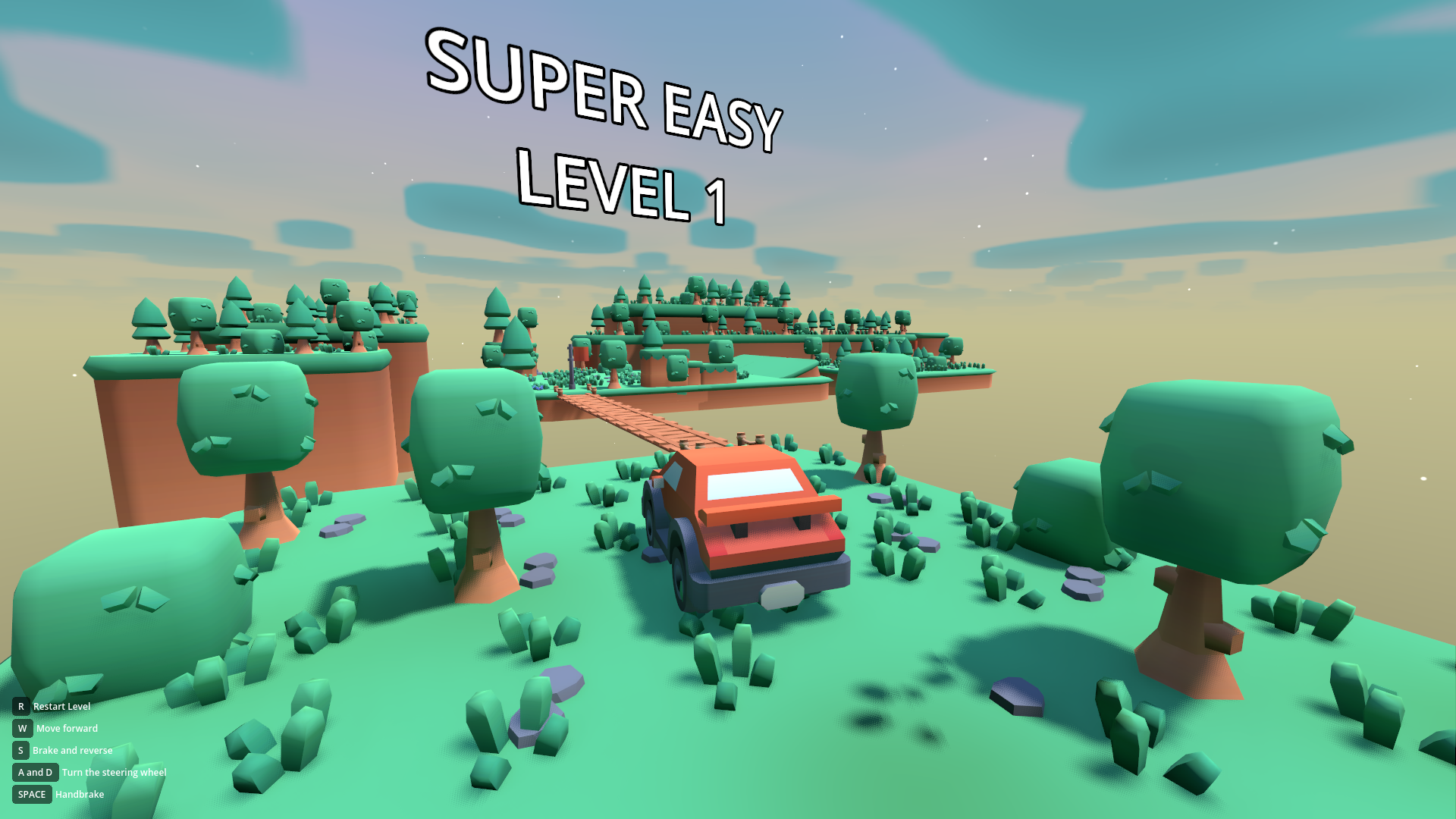
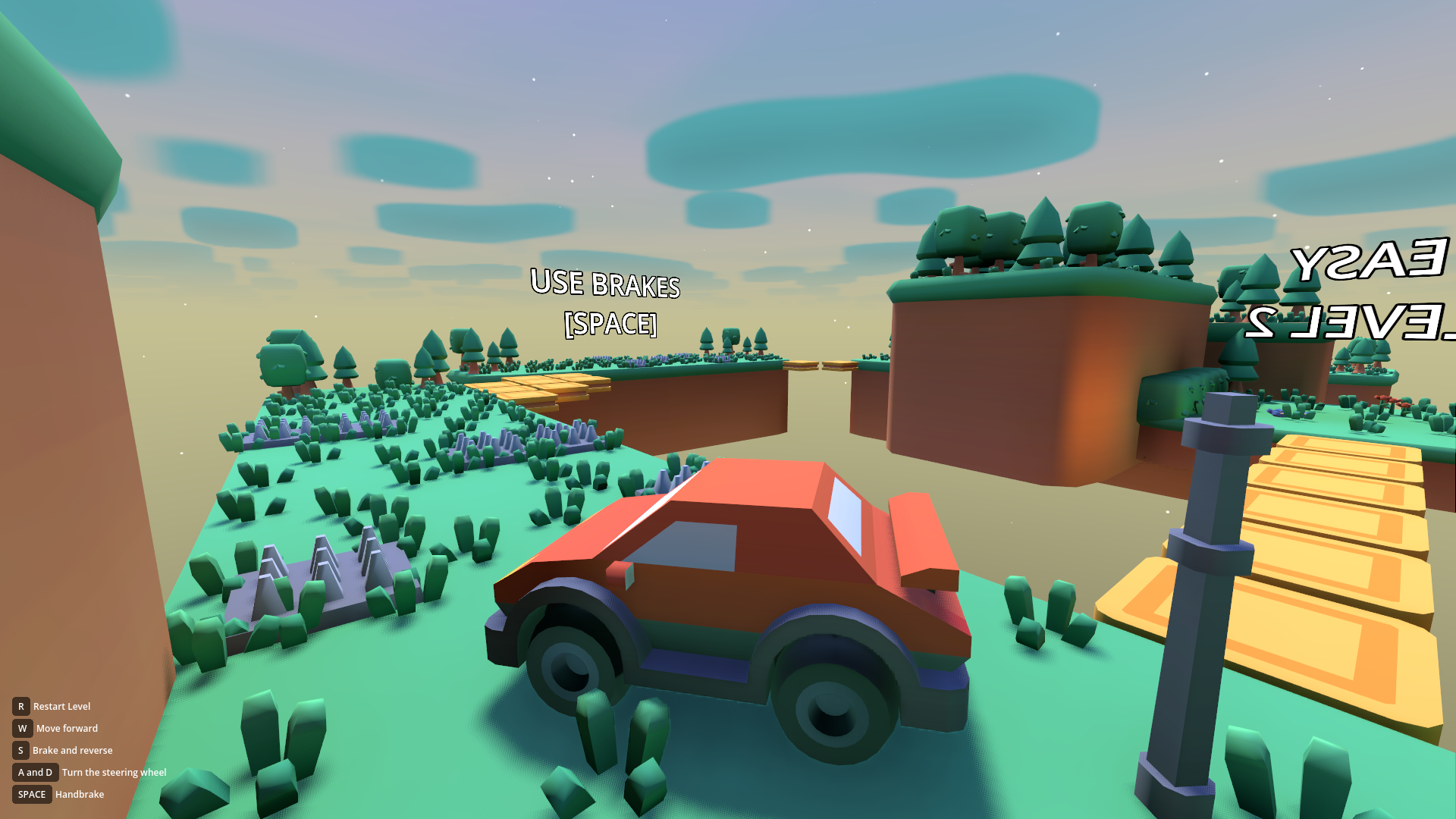
- Forest (Easy): Introductory level. Wide roads, simple ramps, control tutorial.
- Forest (Hard): Narrow paths, more trees (collision), moving platforms over pits.
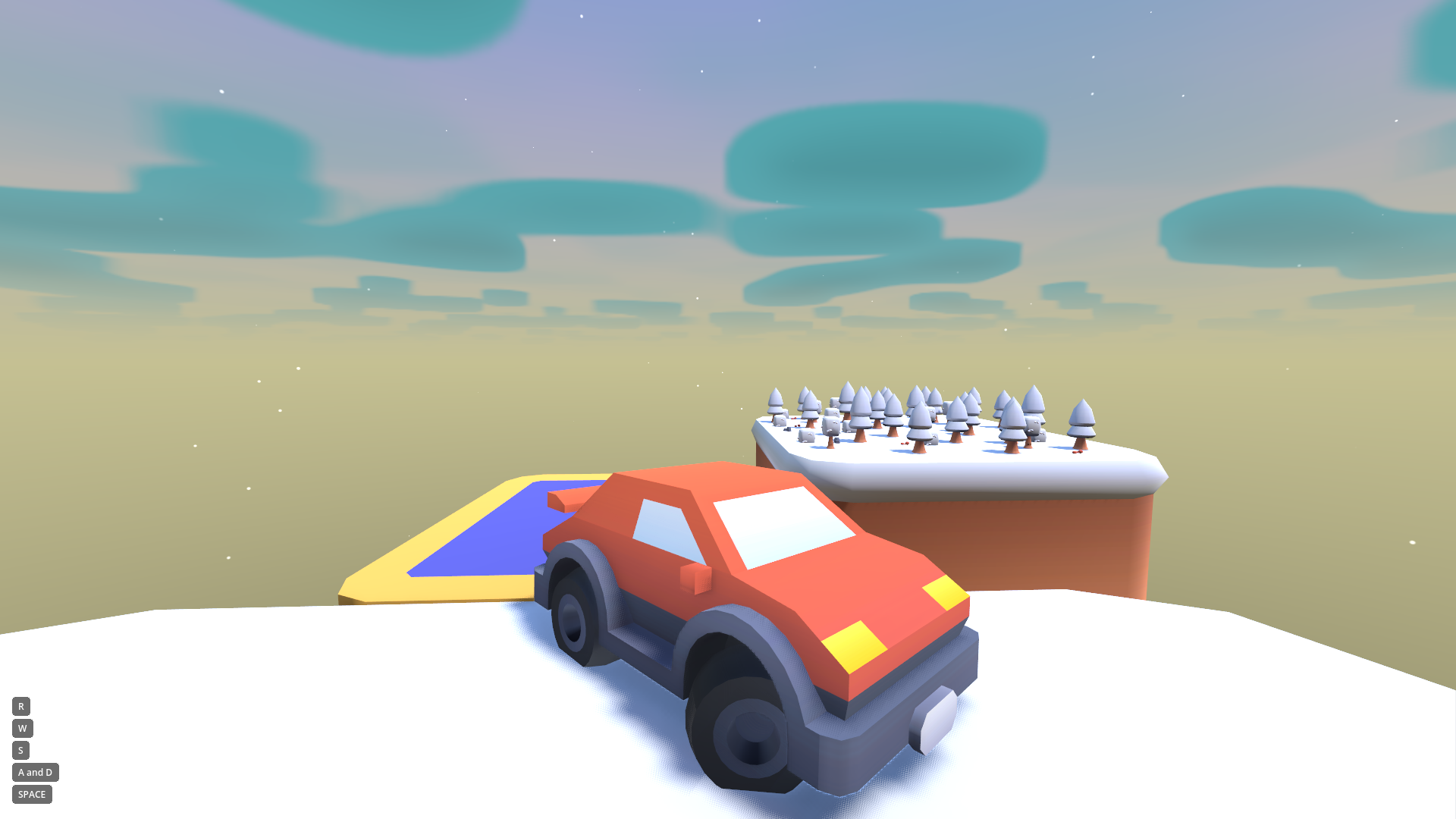
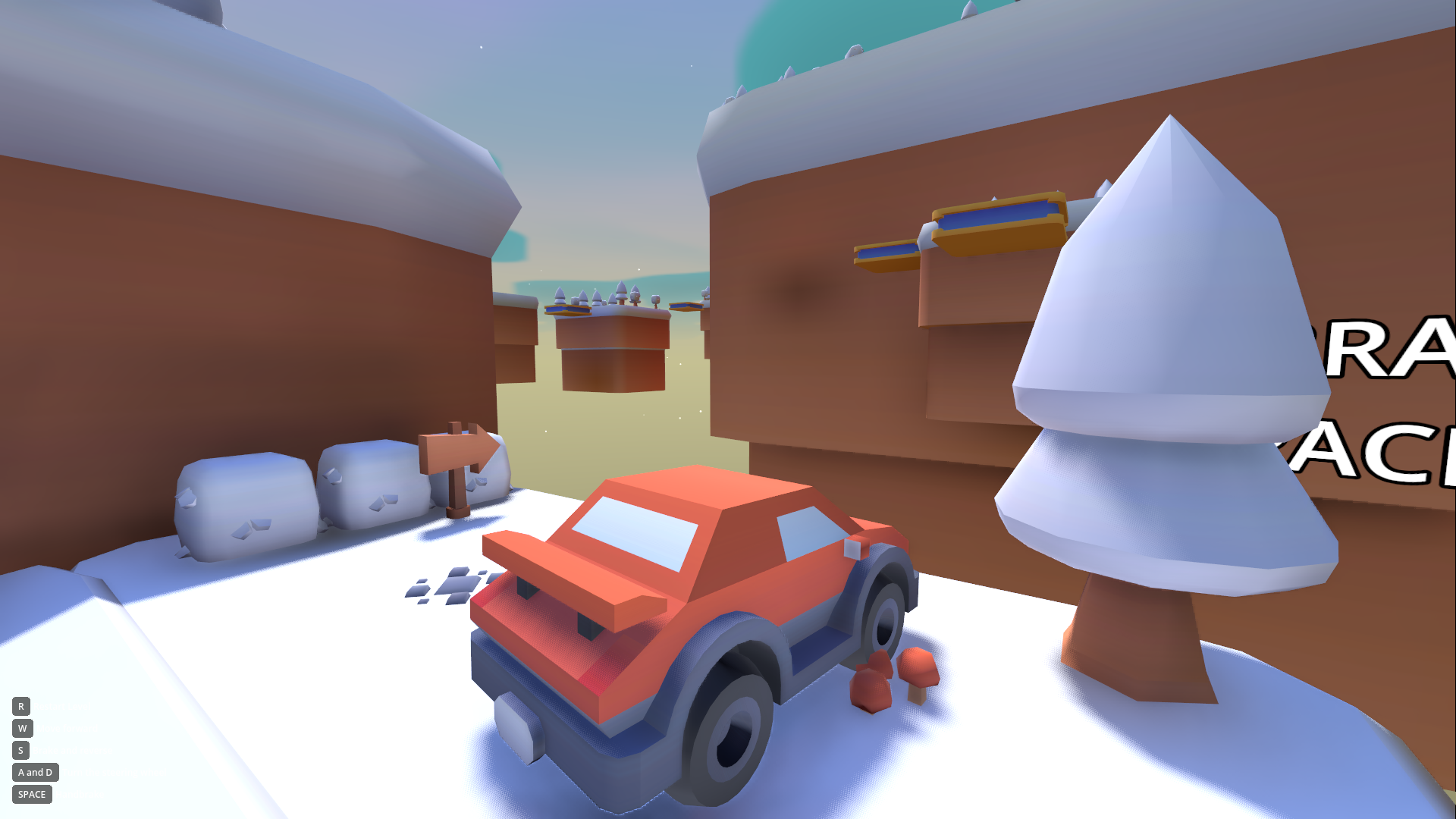
- Winter (Medium): Altered physics (reduced
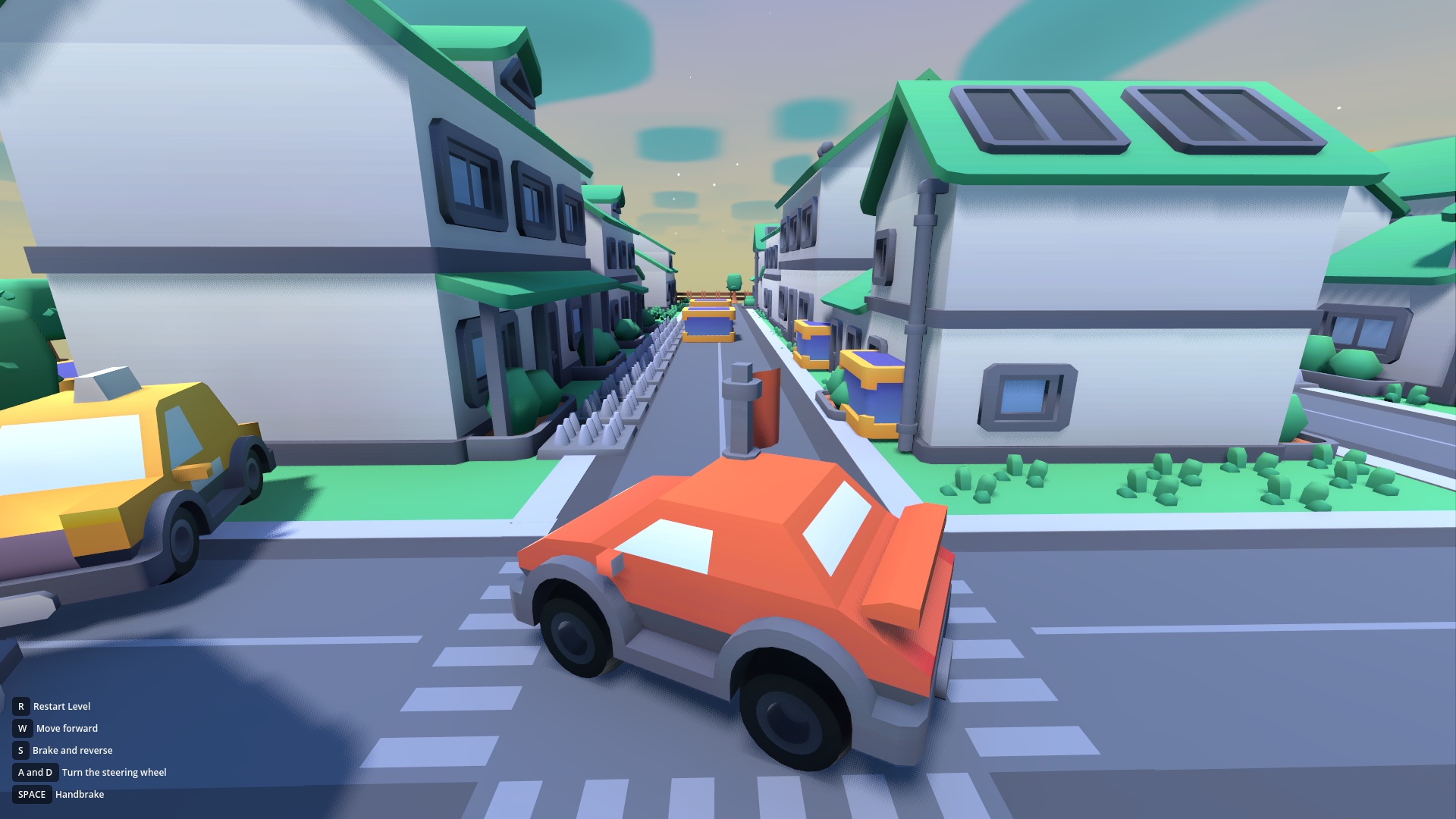
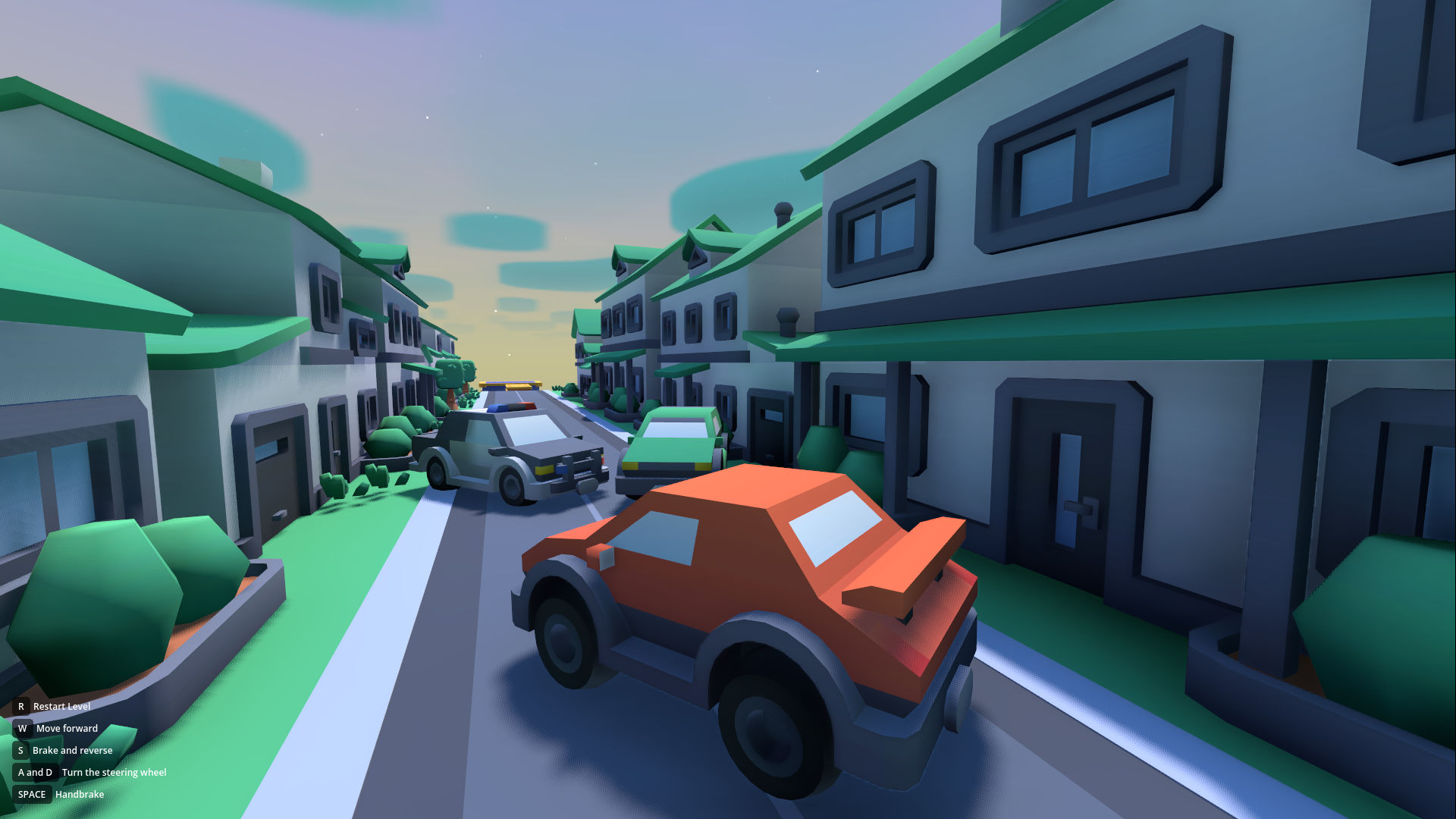
friction). Slippery surfaces, icy jumps. Snow via GPU Particles. - City (Hard): Building geometry. Vertical gameplay (jumping on roofs/beams). Complex moving mechanisms.
8. Implied Mechanics
For the project to function fully, the following are also implemented:
- Input System (Input Map):
drive_forward(W / Arrow Up)drive_backward(S / Arrow Down)steer_left(A / Arrow Left)steer_right(D / Arrow Right)handbrake(Space)respawn(R)pause(Esc)
- Camera Controller: The camera script features a "dead zone" and smooth following (
lerp) so the camera doesn't jitter on physical suspension bumps. Supports mouse rotation (Orbit). - Debug Overlay: Enabled in settings. Shows FPS, Draw Calls, Video RAM, and current car speed.
9. How to Use the Code
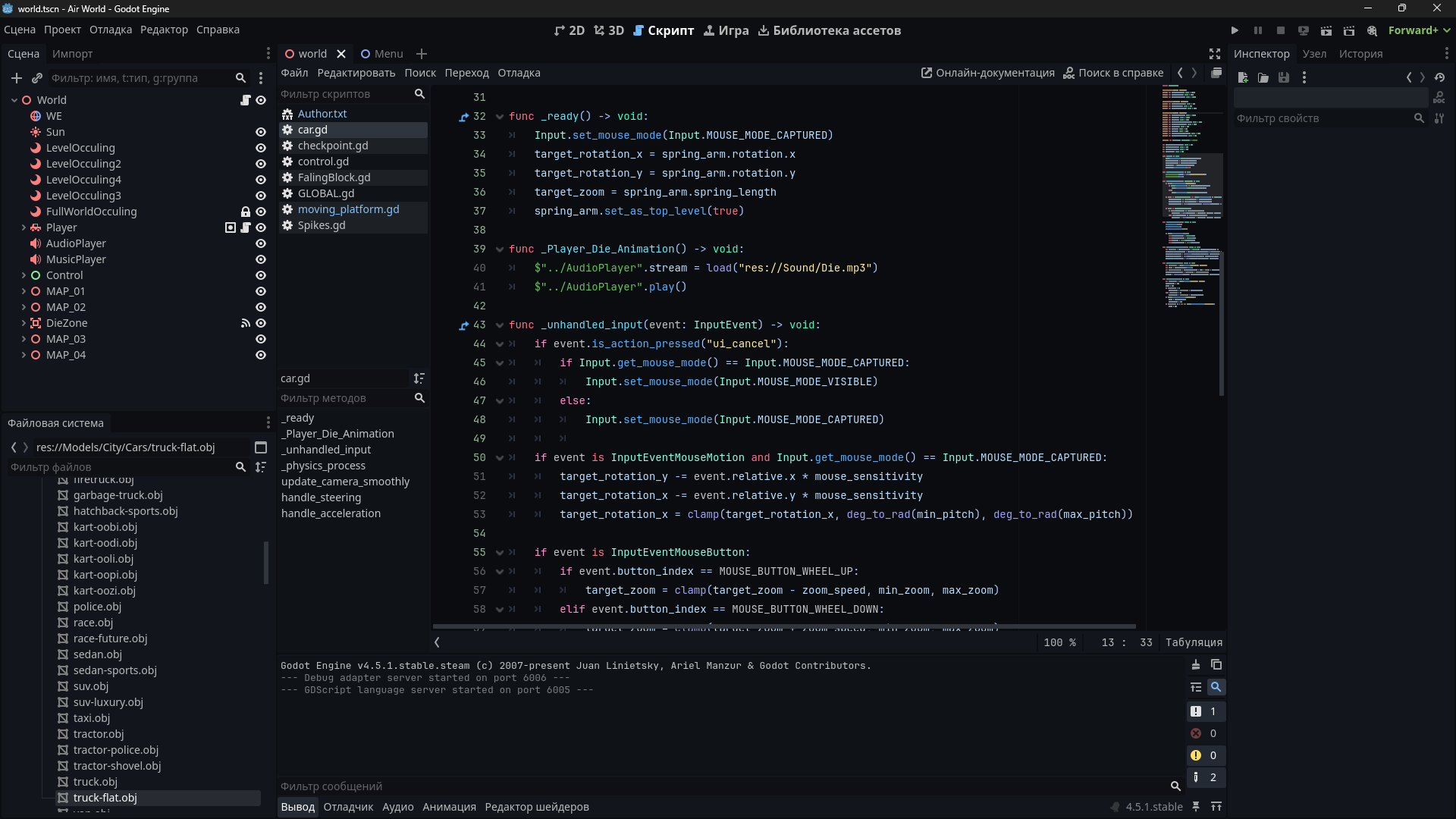
All code is written in GDScript 2.0 (Typed).
- To create your own car: Inherit from the base script
BaseCar.gdand assign wheels to the RayCast/Wheel arrays. - To create a level: Create a new Node3D, place meshes inside, distribute
Checkpoint.tscn, and surround the level withOccluderInstance3Dfor optimization.
Purchase
In order to download this asset pack you must purchase it at or above the minimum price of $4 USD. You will get access to the following files:
Download demo


Leave a comment
Log in with itch.io to leave a comment.