
Simple Online Content in GameMaker using text files
Connect more with your players by including simple online content in GameMaker games. Including version checking, news and more.

Learn to make games in GameMaker with our tutorials and template projects.
Connect more with your players by including simple online content in GameMaker games. Including version checking, news and more.

The other day we released updates for several of our web games fixing a pretty critical bug on Android. Here’s how we fixed it, with a code snippet helpfully provided by SnoutUp Games!

If your game has a social aspect, such as high scores or challenges, you may want your players to be able to share their progress on social media. We’ve come up with a convenient script for the job called gm_share.

There’s an age-old question among GameMaker users who’ve chosen the tool for its simplicity. How do I make a 3D game in GameMaker? Then you find out you need to know quite a lot of maths and how to draw primitives and vertices and you ask yourself the next question. How do I make a sort of 3D game in GameMaker, but like, easily?

Check out our list of useful resources for your GameMaker games, including tools, scripts, sprites, sounds and more.

Sometimes in GameMaker you may want to get the hex string of a color, especially if you’re making some kind of tool or utility rather than a game! This script allows you to return a hex string of any color in code.

Draw an analog clock in your game with one script. The clock will show the current time on the player’s device.

If you’re adding obscenely high numbers to your own game, then you’ll probably want to abbreviate them too. We’re sharing two scripts today which show you how to abbreviate large numbers in GameMaker!

One effect that can elevate your game to a higher level is drawing your text in a circle. Whether you’re using it for a dynamic user interface, or some piece of background scenery, this simple script will help you out!

Does your player need to mix potions to get the right color? Maybe your game features an animal who needs to hide in a place where they’re well camouflaged. Now you can easily test the visual similarity between two colors with this GML script.
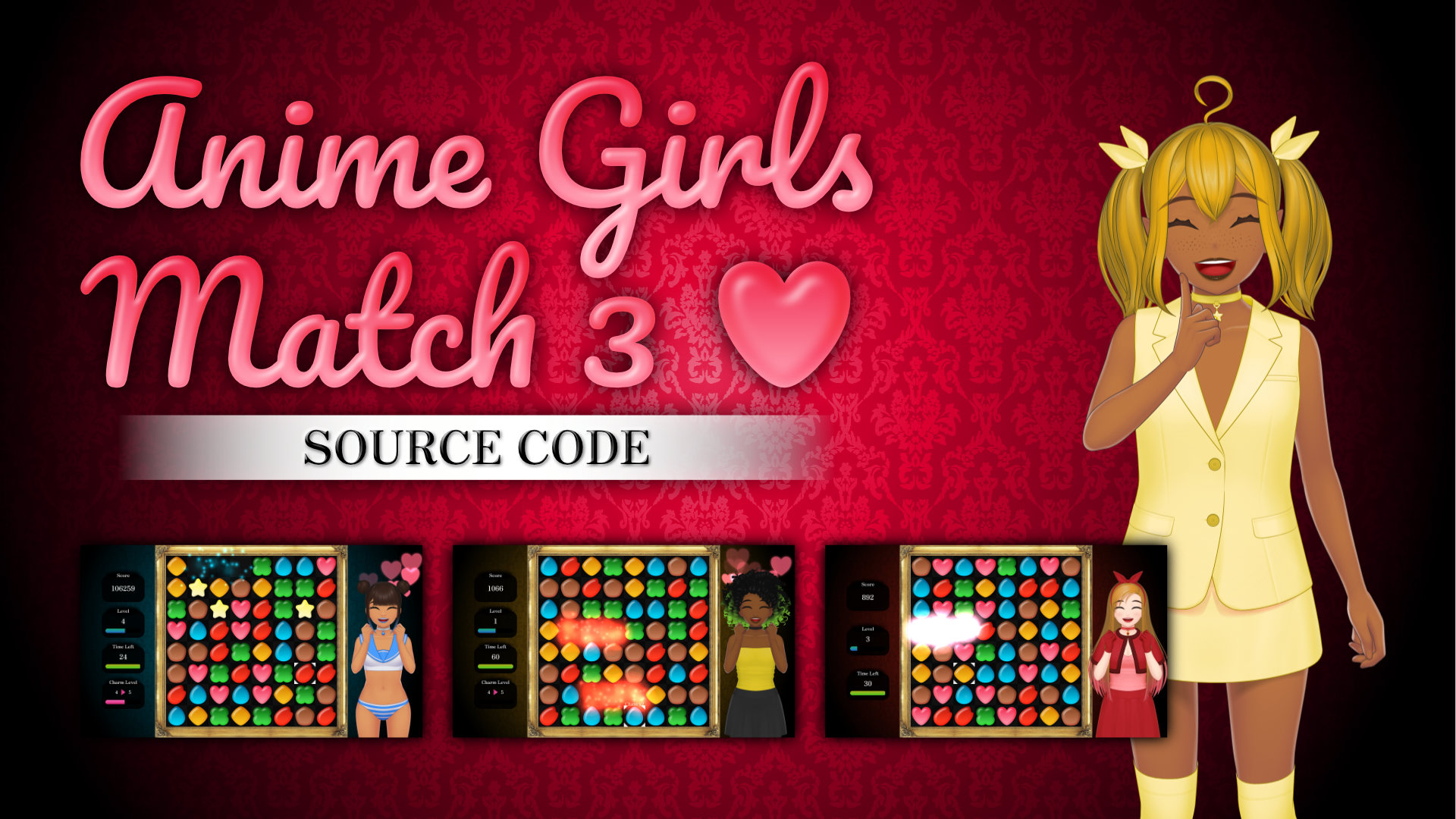
The source code for our game Love Witch Heroines as a GameMaker. For commercial use!
Easily add room transitions to your GameMaker games with this simple template project. Over 40 transitions are built into the asset by default, or you can use it as a learning tool to create your own!
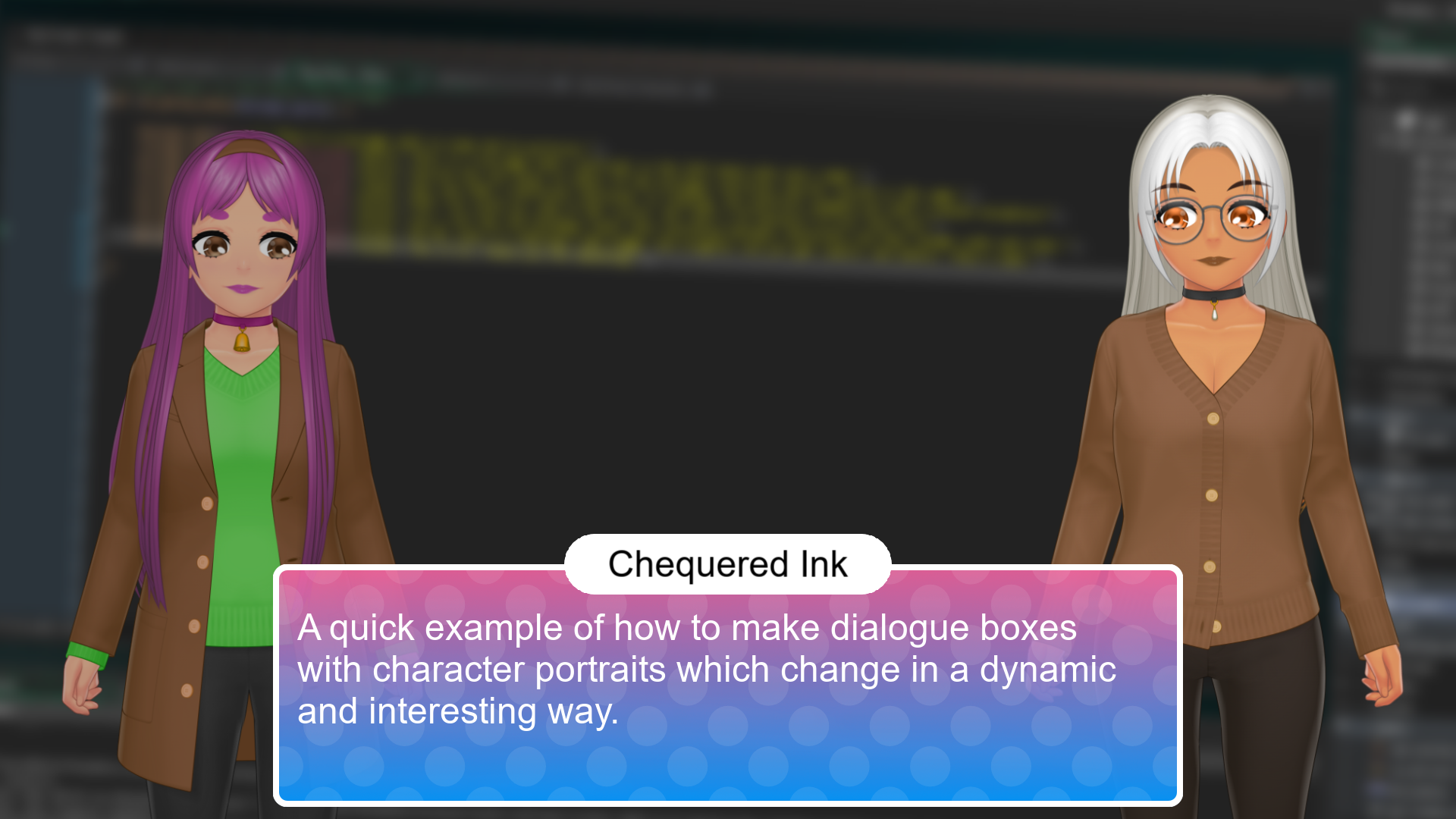
A quick example of how to make a dialogue box system where characters animate in and out of the screen in a dynamic way.
Learn how to make a word guessing game in GameMaker with our ready-made project!
Never localized or translated your GameMaker game before? Don’t worry, we’ve got your back!
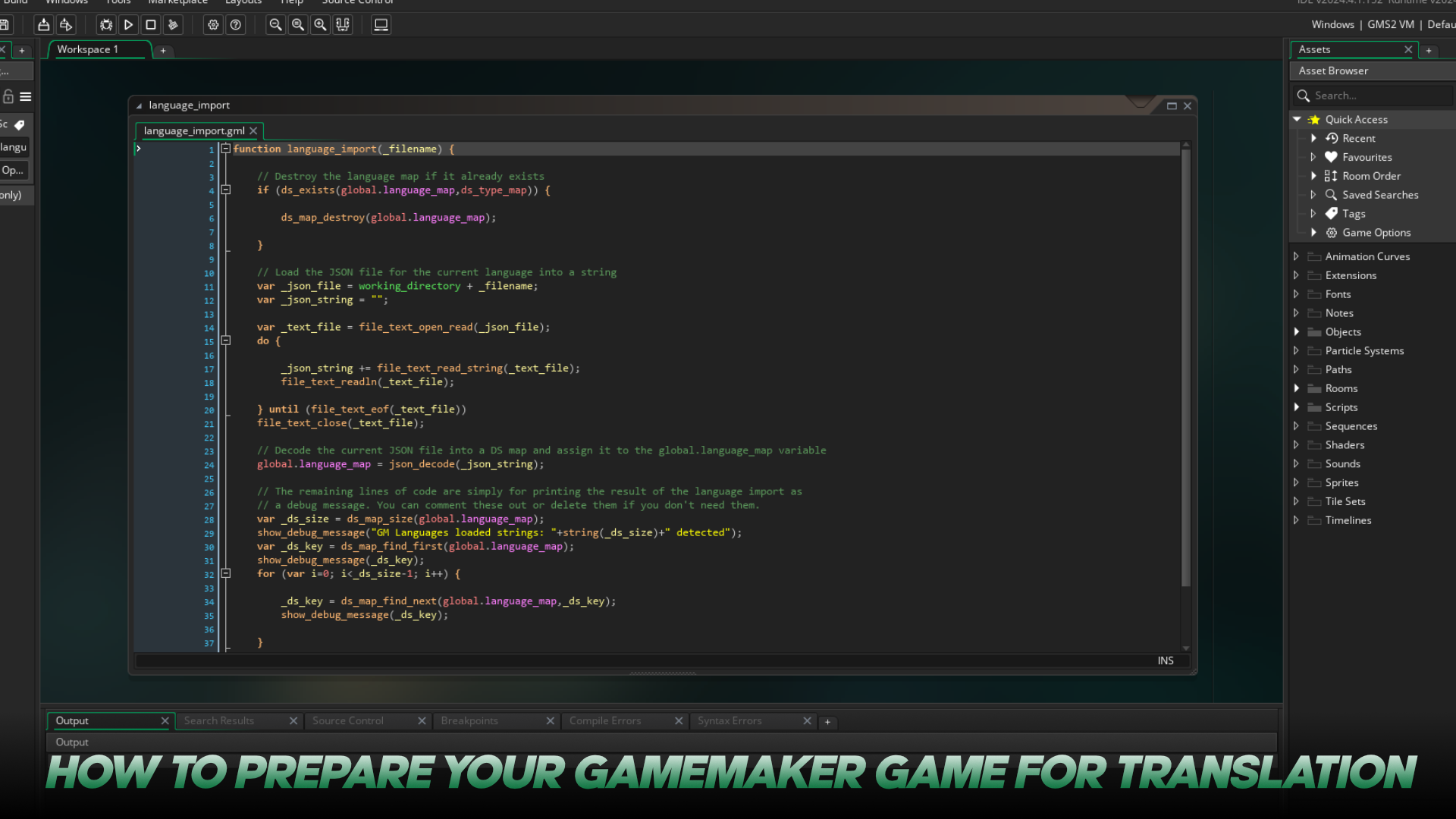
If you’re looking to increase the audience for your games, one way to be more inclusive and get more eyes on your content is to translate your game into other languages.
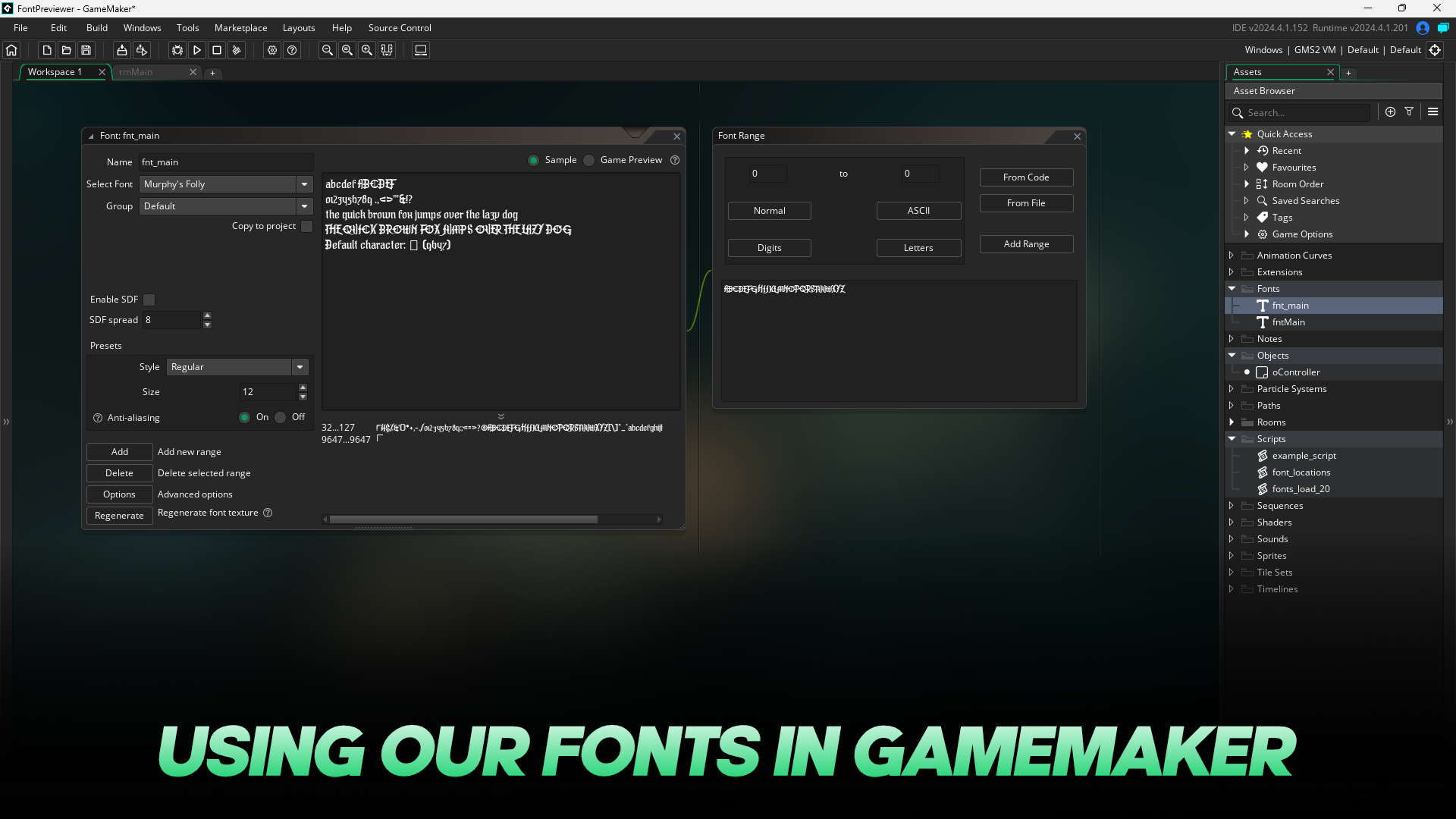
Ever wondered how you can use a custom font in GameMaker? Here’s a quick guide on how to load one of our fonts in GameMaker to use in your own projects.
Learn to make your own Minesweep game in GameMaker with our ready made project.
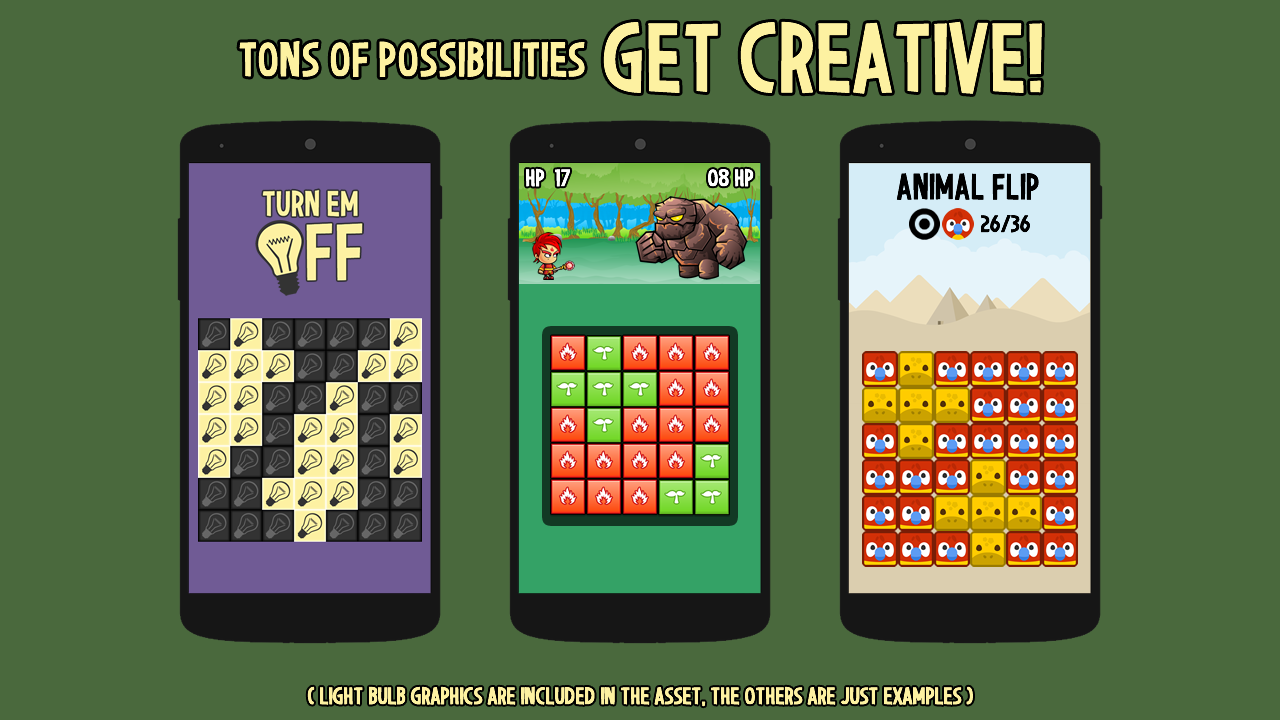
The process behind the game’s creation is pretty simple when you understand it and the solutions used could come in handy for making other puzzle and board games – especially if you’re new to game development – so here I am going to lay out how the project works for everyone to learn from.

A simple GameMaker template for creating games where the user must flip all panels to become one color.


90% off our All Fonts Pack this March
March 1, 2026

Win a copy of our All Fonts Pack worth $190
February 24, 2026

Time for Chaotic Fun with GMC Jam 58
February 18, 2026

February 17, 2026

500 Assets Added to Pack in February Update
February 13, 2026

Simple Online Content in GameMaker using text files
February 25, 2026

Fix Input Lag on Android in GameMaker HTML5 Games
December 11, 2025

Share to Social Networks from GameMaker Games
December 10, 2025

2.5D in GameMaker using Sprite-Stacking
December 5, 2025

Useful Resources For Your GameMaker Games
November 5, 2025